
Building Aloft, a menu bar for Windows
How I built Aloft's Windows menu bar, acrylic flyouts, and rearrangeable Control Center, and where the hardware support still needs work.
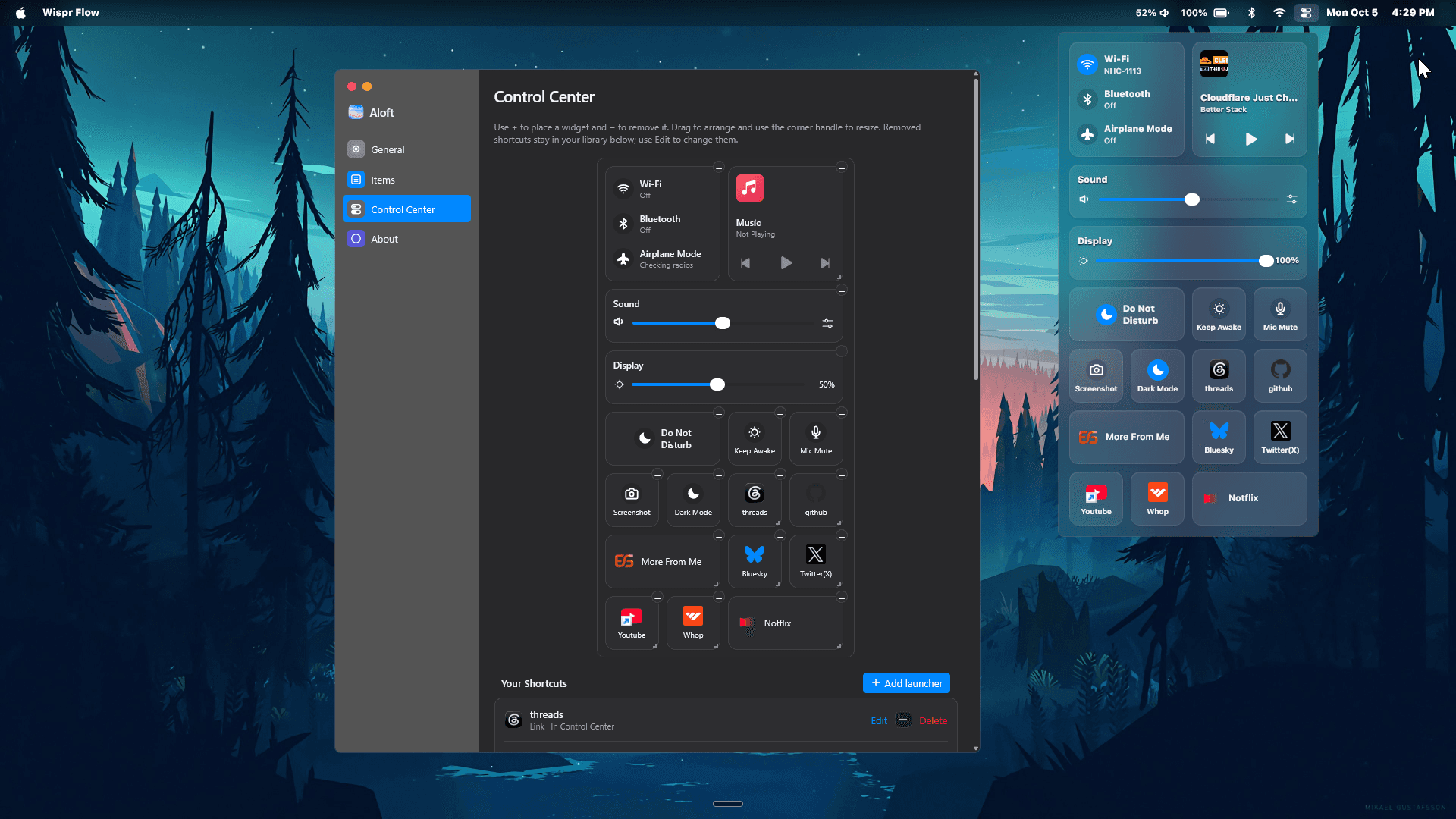
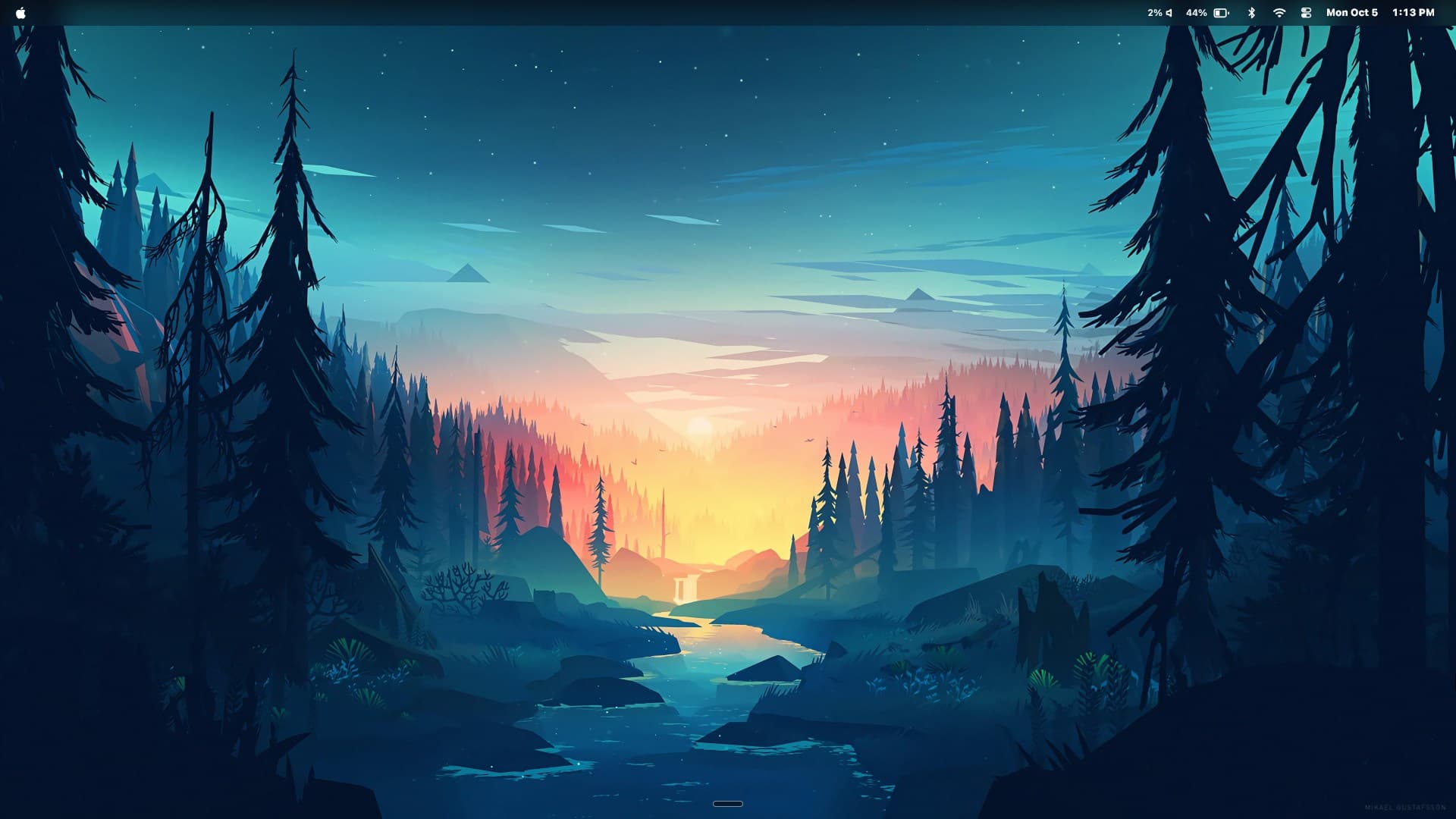
Windows gives me several places to check the same small set of things: the active app, network, sound, media, and the clock. I wanted those checks and controls in a narrow strip at the top of the screen. Aloft is my attempt to make that arrangement work as a Windows desktop app.
The bar shows the active app and system status. Its icons open small flyouts for things like Wi-Fi, Bluetooth, sound, and the calendar. Control Center collects the larger controls in one place: connectivity, brightness, volume, media playback, and tiles that can launch an app or a website. The sound panel also lists output devices and per-app volume controls.
Making room for the bar
A top bar needs to behave like part of the desktop. Aloft registers an appbar with Windows, which reserves space so maximized windows sit below it. That reservation has to be released on exit and restored when Explorer restarts. The bar reads the current wallpaper through the Windows desktop wallpaper API and draws it behind its content. The flyouts use the native acrylic effect, which gives them a different surface from the bar.
A Control Center I can rearrange
The Control Center uses a four-column grid. In Settings, I can move, resize, hide, and add widgets. The live flyout reads the saved layout; the editor is separate, so it does not need to load in the flyout. Layout data is checked when it loads, including positions that overlap or exceed the grid. That matters once the layout lives in a config file rather than only in memory.

Aloft also reads Windows media sessions for artwork, track details, and playback controls. When playback is paused, the tile keeps the track visible. When I skip a track, it briefly holds the old details until the next set is ready, instead of flashing an incomplete title and image.
There is still device-specific work to do. Brightness depends on what a display exposes through DDC/CI or Windows' built-in panel interface, and some controls are unavailable on unsupported hardware. I want to make those cases clearer and keep testing the bar and flyouts across different monitor setups.